Improving an anti–waste food app for a pretty lazy user-base
Team project (2022) → Self-initiated redesign (2025)
Tracknshare is a system designed to reduce household food waste through a combination of a mobile app and a physical tote bag with embedded RFID technology. The concept originated as a university group project. After the course ended, I redesigned it from scratch — alone — because the original version had a fundamental problem that made the whole premise fall apart.
Role: information architecture, interaction design, visual design, hi-fi prototype
Tools: Figma, Miro, Arduino
THE PROBLEM
Food tracking apps exist. The reason people don't use them isn't awareness — it's friction. The original group project required users to manually log what they bought, manually update quantities as they cooked, and manually decide what to do with what was left. In practice, no one does this consistently. The more steps between opening the fridge and knowing what's inside it, the faster the habit breaks. The original design was asking people to solve a behavior problem — food waste — with more effortful behavior. That contradiction is what I set out to fix.
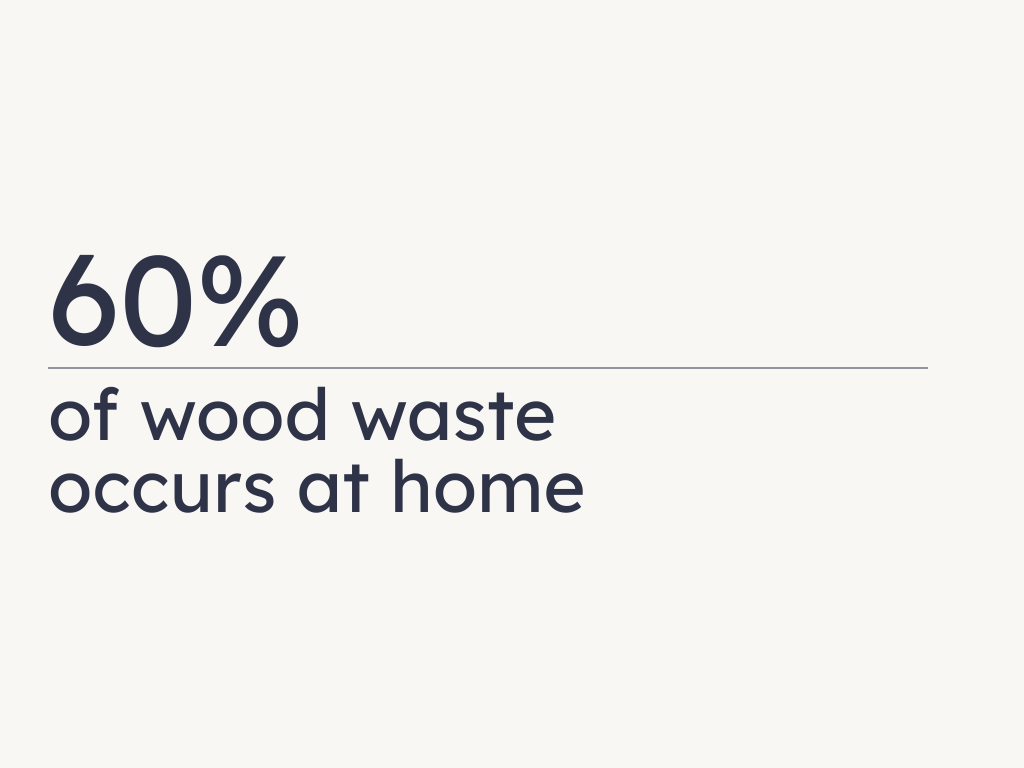
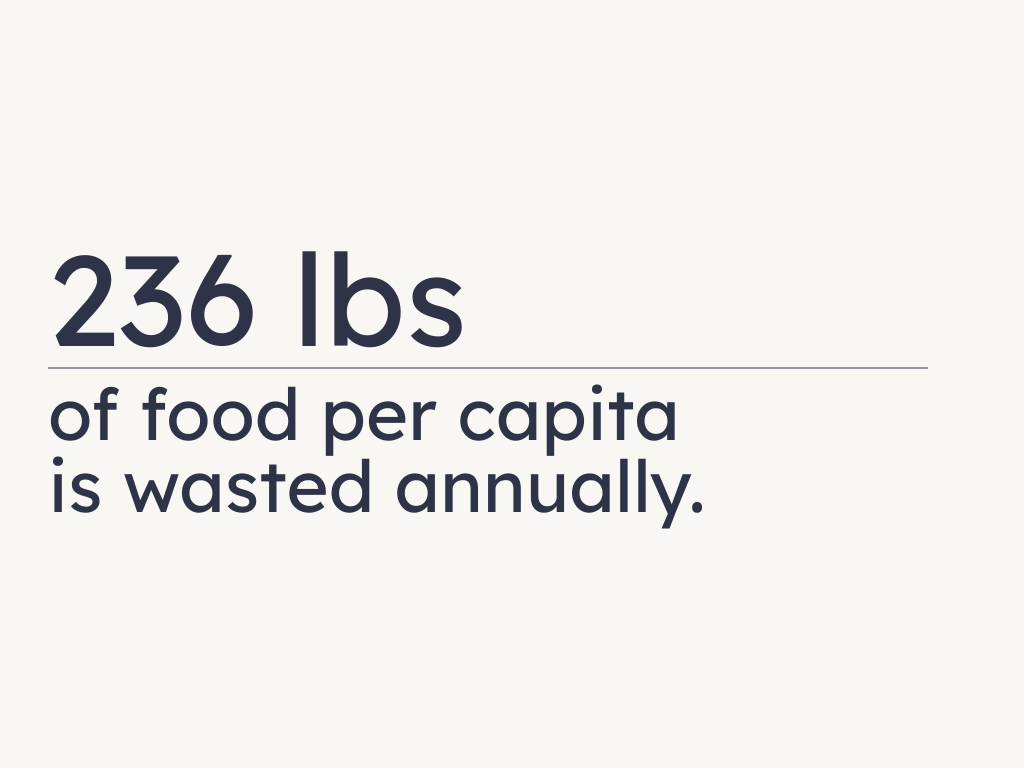
Datapoint
THE APPROACH
The redesign was built around a single reframe: scan-first, manual-last. Instead of asking users to maintain their pantry through input, the system does the logging for them at two points in the routine where the effort is already near zero. At the grocery store, a RFID-embedded tote bag scans barcodes as items are placed inside it, automatically populating the app's fridge and pantry sections before the user even gets home. The following day, opening the fridge triggers an AI vision scan that recognizes items and adjusts quantities — asking for user input only when something is genuinely ambiguous, like an open container with an unclear amount left. From there the app suggests recipes based on what's available, flags items approaching expiry, and offers ways to share surplus food with friends and family. A grocery list section closes the loop, connecting what's running low to what needs to be bought.
I rebuilt the full information architecture around this flow, then redesigned the UI from scratch, and took it to a hi-fi prototype.
THE RESULT
The result is a two-part system — app and tote — where the default state requires almost no conscious effort from the user. The scanning does the work. The manual layer exists but stays out of the way until it's actually needed. The recipe suggestions and sharing features only become useful once the inventory data is reliable, which is only possible if logging is effortless enough to be consistent. The scan-first approach is what makes the rest of the system viable.
CONCLUSION
The redesign reached hi-fi prototype stage, with full UX flows, visual design, and a working prototype. Compared to the original group project, the interaction model is structurally different — the friction that would have driven users away from the habit is removed at the point where it mattered most.
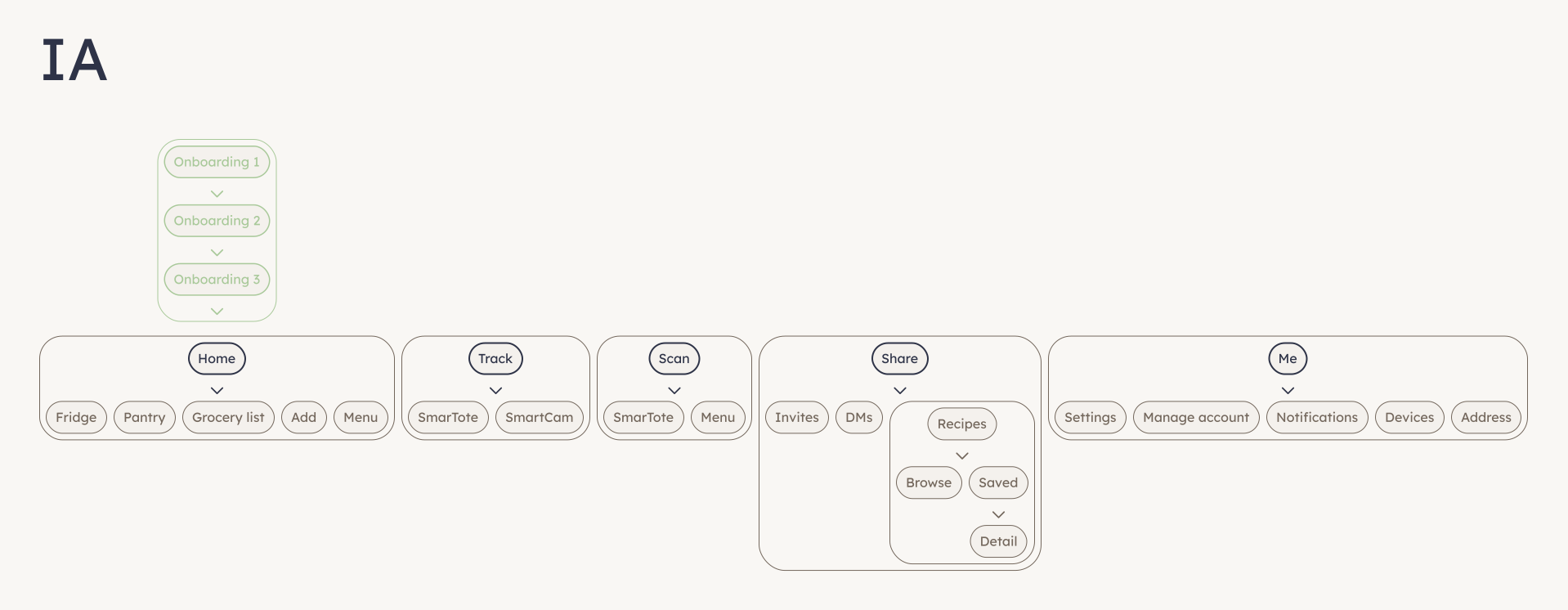
Mobile app information architecture
Logo
Research form (10-99 respondants), question 4
THE PROBLEM
Most font pairing advice online falls into one of two groups: vague rules("mix a serif with a sans-serif") or aesthetic mood boards with no explanation of why the combinations work. Tools like Google Fonts' own pairing suggestions use labels like "old style", "handwritten", or "high-tech", subjective tags that describe feeling but teach you nothing about the fundamental structure of a typeface. I kept running into this when working on projects. I'd find a font I liked, spend an hour hunting for something that paired well with it, and still feel like I was guessing. The more I read about typography, the more it became clear that the problem wasn't taste, it was that I lacked a proper framework for reading typefaces structurally. That's when I found out about the Font Matrix, a system developed by typographer Indra Kupferschmid and featured in a Pimp my Type article by Oliver Schöndorfer. The system describes typefaces across three objective variables: form model (dynamic, rational, or geometric), stroke contrast (contrasting or linear), and terminals (serif or sans). Pairings that share a form model or contrast sharply across all three axes tend to work. Pairings that look superficially similar but differ at the structural level tend not to. I wanted to build a tool around this system, one that made the logic visible rather than hiding it behind a "generate" button.
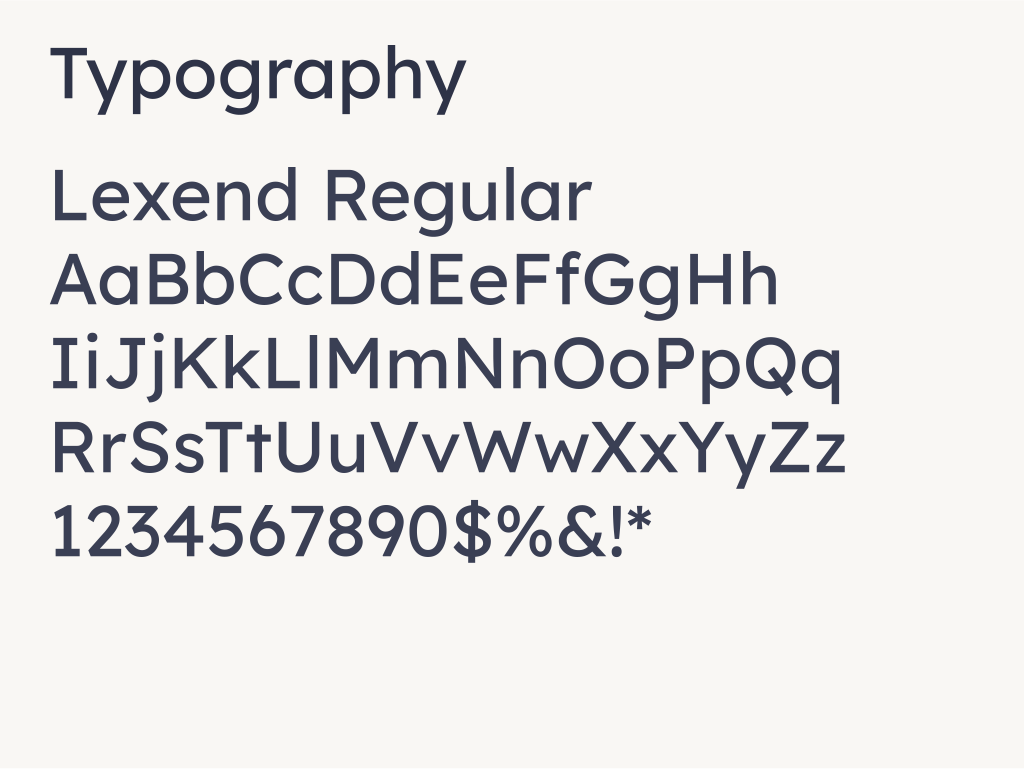
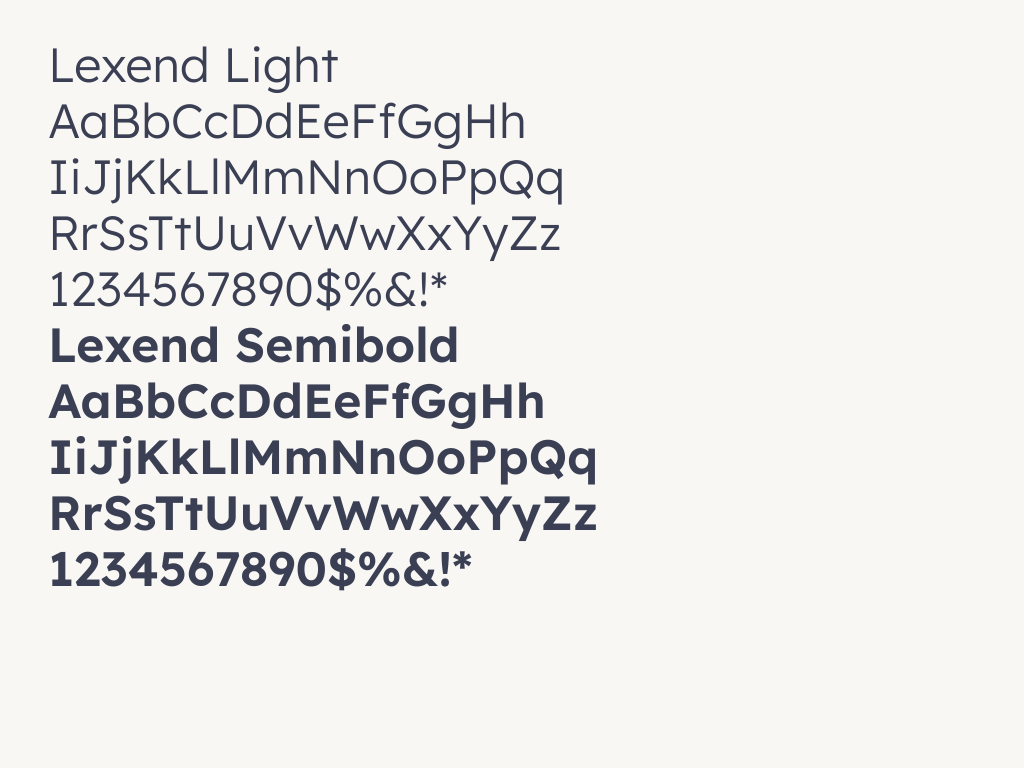
Typography
THE APPROACH
The first thing I did was classify a database of Google Fonts according to the three variables. This meant actually studying each typeface, looking at aperture openness, axis tilt, stroke transition, terminal style. It took awhile, and some fonts sit in genuinely ambiguous territory (Roboto is a good example, landing between dynamic and rational depending on who you ask). For those I made a call and documented it. The pairing algorithm avoids what Kupferschmid identifies as the "bad match": fonts that share the same stroke character and terminals but differ in form model. These look deceptively similar on the surface while being structurally incompatible underneath. Every generated pair either shares a form model (harmonic) or contrasts across multiple axes (balanced or dynamic).The guide panel was the part I spent the most time on. It went through several iterations before it felt right. Early versions showed the typographic variables as tags sitting underneath each font in the preview panel — which meant users were looking at two separate lists of labels with no visible relationship between them. Moving the variables into the guide and framing them as a comparison table was the shift that made the logic readable at a glance. You can see immediately which axes contrast and which align.The guide structure ended up as: — Pairing name and type badge (Dynamic / Balanced / Harmonic, with a contrast score out of 3) — Contrast matrix showing both fonts side by side across all three axes — A combined summary sentence describing the relationship, not the fonts individually — Typographic specimen cards showing the letterforms in context — A "Why does it work?" explanation tailored to the specific combination — Suggested headline and body useGetting the UI to feel clean and intentional was honestly the hardest part.A tool like this lives or dies by legibility — if the interface competes withthe fonts it's supposed to showcase, it fails. I went through a lot ofiterations on spacing, hierarchy, and how much information to show at once.The dark background was a deliberate choice: it keeps the focus on thetypography and gives the accent colours room to work without feeling noisy.


Research form (10-99 respondants), question 4
THE RESULT
The tool generates font pairings across a database of ~55 Google Fonts, classified and scored against the Font Matrix system. Users can lock either font and regenerate the other, swap the pair, resize previews, and edit the sample text directly. The guide updates with every new pair, explaining the structural relationship in plain language. The feature I'm most satisfied with is the contrast matrix. It makes something that usually lives in a designer's intuition — "these two feel right together"— into something you can actually point at and read. I think that's more useful than any mood board.
CONCLUSION
Working on this project reinforced something I keep coming back to as a designer: the most useful tools are the ones that make their own logic transparent. The goal was never just to pair fonts, it was to give someone enough understanding that eventually they wouldn't need the tool at all.